
- Tech
- Shop




Blog
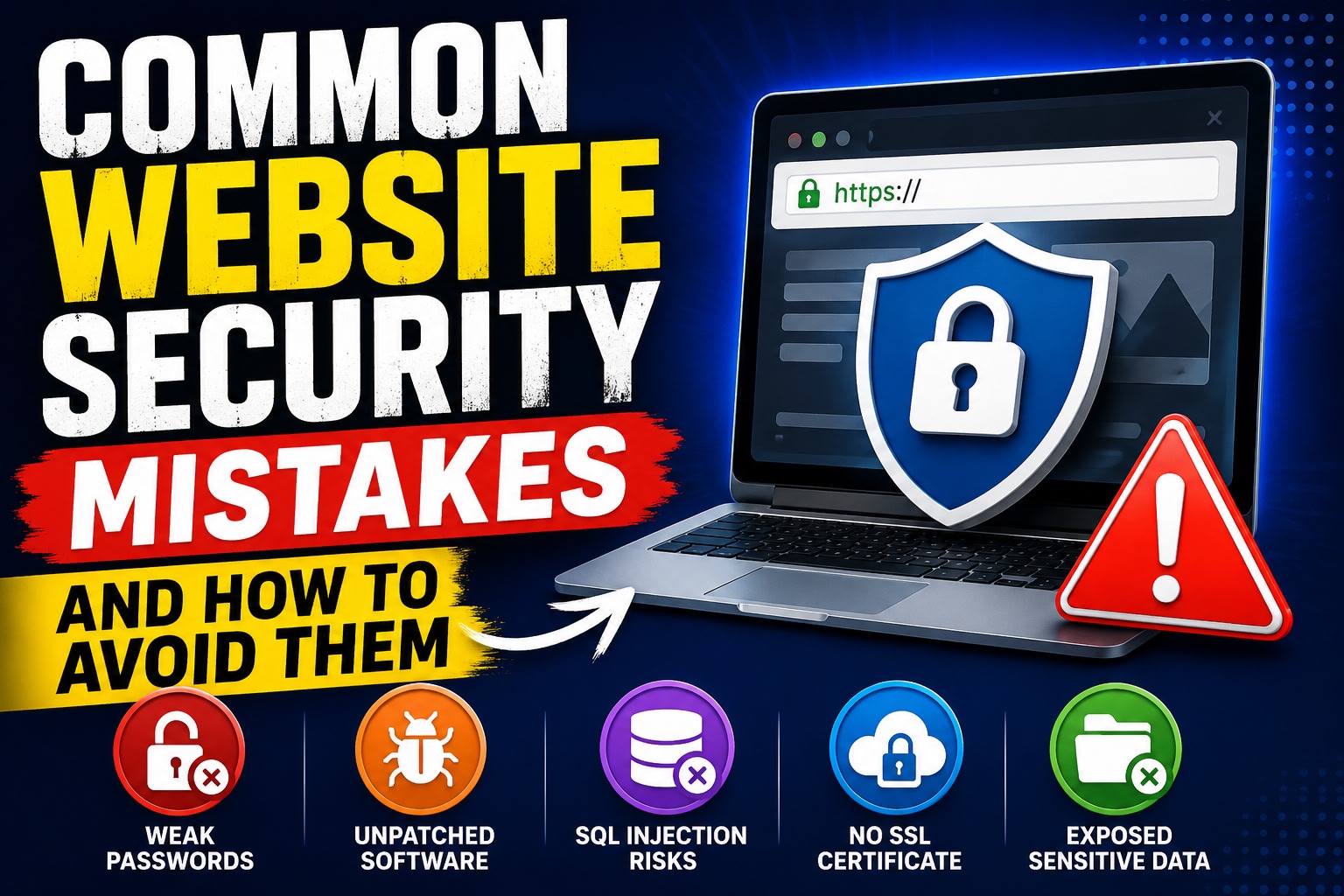
Common Website Security Mistakes and How to Avoid Them
In today’s digital world, website security is more important than ever. Businesses, eCommerce stores, blogs, and service websites constantly face cyber threats that can compromise sensitive data, damage reputation, and cause financial losses.
A single security vulnerability can lead to hacked websites, stolen customer information, malware attacks, or even complete business disruption. Unfortunately, many businesses unknowingly make common website security mistakes that expose them to cyber risks.
In this blog, we will discuss the most common website security mistakes and explain how businesses can avoid them to protect their websites and users.
Why Website Security Matters
Website security protects your website, customer data, business information, and online reputation from cyber threats.
A secure website helps:
- Protect sensitive customer information
- Prevent hacking attempts
- Improve customer trust
- Maintain website uptime
- Protect SEO rankings
- Avoid financial losses
Cybersecurity is not just a technical requirement — it is essential for business growth and customer confidence.
1. Weak Passwords
One of the most common website security mistakes is using weak or predictable passwords.
Examples of Weak Passwords:
- 123456
- password
- admin123
- businessname2025
Hackers often use automated tools to guess simple passwords quickly.
How to Avoid It
Best Practices:
- Use long and complex passwords
- Include uppercase, lowercase, numbers, and symbols
- Avoid personal information
- Change passwords regularly
- Use password managers
Strong passwords significantly reduce unauthorized access risks.
2. Not Using SSL Certificates
Websites without SSL certificates are highly vulnerable to data interception.
SSL encrypts communication between users and the website.
Risks of No SSL:
- Data theft
- Browser security warnings
- Poor customer trust
- Lower SEO rankings
Modern browsers often label non-HTTPS websites as “Not Secure.”
How to Avoid It
Security Solutions:
- Install SSL certificates
- Use HTTPS across all pages
- Regularly renew SSL certificates
- Redirect HTTP traffic to HTTPS
SSL improves both security and SEO performance.
3. Outdated Software and Plugins
Many website attacks happen because businesses fail to update their software, themes, plugins, or CMS platforms.
Hackers often target known vulnerabilities in outdated systems.
Vulnerable Areas:
- WordPress plugins
- Themes
- CMS platforms
- Server software
- Third-party integrations
How to Avoid It
Best Practices:
- Update software regularly
- Remove unused plugins
- Use trusted plugins only
- Enable automatic updates when possible
- Monitor security patches
Regular updates close security loopholes.
4. Poor User Access Management
Giving excessive permissions to users increases security risks.
Common Mistakes:
- Sharing admin accounts
- Giving full access to all employees
- Not removing inactive accounts
Too many admin-level users can create vulnerabilities.
How to Avoid It
Access Control Tips:
- Use role-based permissions
- Limit admin access
- Remove unused accounts
- Monitor login activity
- Apply the principle of least privilege
Controlled access improves website security.
5. Lack of Two-Factor Authentication (2FA)
Passwords alone are no longer enough to protect websites.
Two-Factor Authentication adds an additional security layer.
Without 2FA:
- Accounts are easier to compromise
- Stolen passwords become dangerous
- Unauthorized logins increase
How to Avoid It
Implement:
- OTP verification
- Authentication apps
- Email verification
- Biometric authentication
2FA dramatically improves account security.
6. Ignoring Website Backups
Many businesses fail to maintain proper backups until disaster strikes.
Risks Without Backups:
- Permanent data loss
- Extended downtime
- Difficult recovery after attacks
- Lost customer information
How to Avoid It
Backup Best Practices:
- Schedule automatic backups
- Store backups securely
- Keep multiple backup versions
- Use cloud backup solutions
- Test backup restoration regularly
Reliable backups ensure fast recovery after security incidents.
7. Weak Hosting Security
Low-quality hosting providers often lack proper security infrastructure.
Hosting Risks Include:
- Poor server security
- Shared vulnerabilities
- Slow security response
- Weak firewall protection
How to Avoid It
Choose Hosting With:
- Strong server security
- DDoS protection
- Malware scanning
- Firewall systems
- Regular monitoring
- SSL support
Reliable hosting providers improve overall website protection.
8. Not Protecting Against Malware
Malware attacks can damage websites, steal data, and spread harmful content.
Malware Can:
- Redirect visitors
- Steal customer information
- Damage SEO rankings
- Blacklist websites
How to Avoid It
Security Measures:
- Use website firewalls
- Install malware scanners
- Monitor suspicious activity
- Scan files regularly
- Remove infected files immediately
Proactive malware protection is essential.
9. SQL Injection Vulnerabilities
SQL Injection attacks occur when hackers manipulate database queries through insecure input fields.
Vulnerable Areas:
- Login forms
- Search bars
- Contact forms
- URL parameters
How to Avoid It
Prevention Techniques:
- Use prepared statements
- Validate user input
- Sanitize form data
- Use secure coding practices
Secure database handling protects sensitive information.
10. Cross-Site Scripting (XSS)
XSS attacks inject malicious scripts into websites.
Risks Include:
- Session hijacking
- Cookie theft
- User data compromise
- Fake login forms
How to Avoid It
Security Practices:
- Validate user input
- Escape output data
- Use Content Security Policies (CSP)
- Sanitize dynamic content
Preventing XSS attacks improves user safety.
11. No Web Application Firewall (WAF)
A Web Application Firewall filters malicious traffic before it reaches your website.
Without WAF Protection:
- Increased hacking attempts
- Higher vulnerability exposure
- Greater bot attacks
How to Avoid It
Use:
- Cloud-based WAF solutions
- Firewall monitoring tools
- Real-time threat protection
WAF systems provide an additional security layer.
12. Ignoring Security Monitoring
Many businesses only react after security breaches occur.
Without Monitoring:
- Threats go unnoticed
- Delayed response time
- Greater damage from attacks
How to Avoid It
Monitoring Solutions:
- Real-time security alerts
- Login tracking
- File integrity monitoring
- Traffic analysis
- Suspicious activity detection
Continuous monitoring improves threat response.
13. Poor Mobile Security
Mobile traffic dominates modern websites, yet many businesses overlook mobile security.
Risks Include:
- Insecure mobile APIs
- Weak mobile authentication
- Unsafe app integrations
How to Avoid It
Mobile Security Tips:
- Secure APIs
- Use HTTPS everywhere
- Encrypt user data
- Apply mobile authentication security
Mobile protection is essential for modern businesses.
14. Lack of Security Testing
Websites should be tested regularly for vulnerabilities.
Common Testing Methods:
- Penetration testing
- Vulnerability scanning
- Security audits
- Code reviews
Without testing, weaknesses remain hidden.
How to Avoid It
Perform:
- Regular security audits
- Automated vulnerability scans
- Penetration testing
- Security assessments
Frequent testing improves protection.
Website Security Best Practices
Businesses should implement a complete security strategy.
Essential Security Practices:
- Strong passwords
- SSL certificates
- Regular updates
- Two-factor authentication
- Secure hosting
- Website backups
- Malware protection
- Firewall systems
- Security monitoring
Combining multiple security layers provides stronger protection.
Future of Website Security
Cyber threats continue to evolve rapidly.
Emerging Security Trends:
- AI-powered cybersecurity
- Biometric authentication
- Zero Trust Security
- Advanced encryption
- Cloud security solutions
Businesses must continuously improve security strategies to stay protected.
Conclusion
Website security is one of the most important aspects of maintaining a successful online presence. Common mistakes like weak passwords, outdated software, poor hosting, and lack of backups can expose businesses to serious cyber threats.
By implementing strong security practices, businesses can protect customer data, maintain trust, improve website performance, and avoid costly security breaches.
Website security is not a one-time task — it is an ongoing process that requires regular updates, monitoring, and proactive protection strategies.
Related posts
Signs Your Business Needs a Website Redesign

How to Know When It’s Time to Upgrade Your Website for Better Growth and Performance
In today’s digital world, your website is often...
Responsive Web Design Explained: A Complete Guide
Why Responsive Design Is Essential for Modern Websites
In today’s digital world, users access websites through a wide variety of dev...
Website Maintenance: Why It Matters for Business Growth
The Importance of Regular Website Maintenance for Performance, Security, and Success
In today’s digital world, a business website is...
Choosing the Right Technology Stack for Your Business Project
How to Choose the Right Technology Stack for Your Project
Choosing the right technology stack is one of the most important decisions...
Top Benefits of Progressive Web Apps for Businesses
Benefits of Progressive Web Apps (PWAs)
In today’s digital landscape, businesses are constantly looking for faster, more efficient, ...
Common Website Security Errors Businesses Must Avoid
Common Website Security Mistakes and How to Avoid Them
In today’s digital world, website security is more important than ever. Busin...

The Impact of Website Speed on SEO and Conversions
How Website Speed Affects SEO and Conversions
In today’s fast-paced digital world, website speed plays a critical role in online suc...

Future of Web Development: Trends Businesses Must Follow
Top Web Development Trends Businesses Should Watch
In today’s fast-changing digital landscape, web development continues to evolve r...

Which Is Better: Custom Software or Off-the-Shelf Software?
Custom Software vs Off-the-Shelf Software: Which Is Better?
In today’s fast-paced digital world, software plays a critical role in b...

How Mobile Apps Increase Business Revenue
How Mobile Apps Help Businesses Increase Revenue
In today’s fast-growing digital economy, mobile applications have become one of the...

Mobile App Development Lifecycle Explained
Mobile App Development Process Explained
In today’s digital world, mobile applications have become an essential part of businesses, ...

Key Features Every Successful Mobile App Should Have
Key Features Every Successful Mobile App Should Have
In today’s competitive digital world, building a mobile app is easier than ever...